Stay in the loop
Get the latest insights, product updates, and news from Permission — shaping the future of user-owned data and AI innovation.
Welcome to the Permission Founding Families program!
If you haven't already, create your family account first. Refer to Step by Step guide - Onboarding if needed.
Part I: On your Child's device
If your Child's device is on iOS, go to Step 3.
1. If your child uses a Desktop with Chrome
- Click to Download the Permission AI For Families Chrome extension:
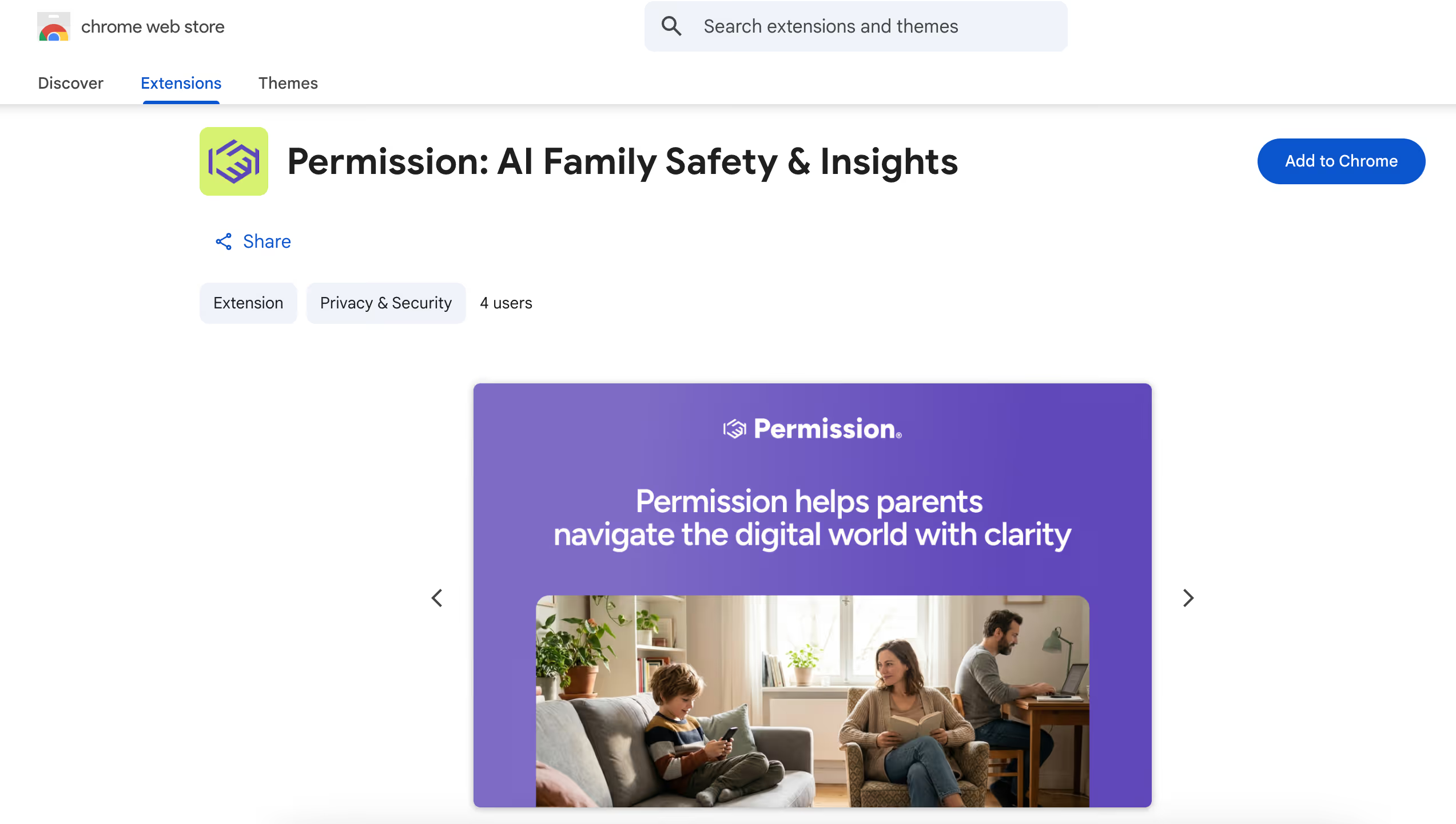
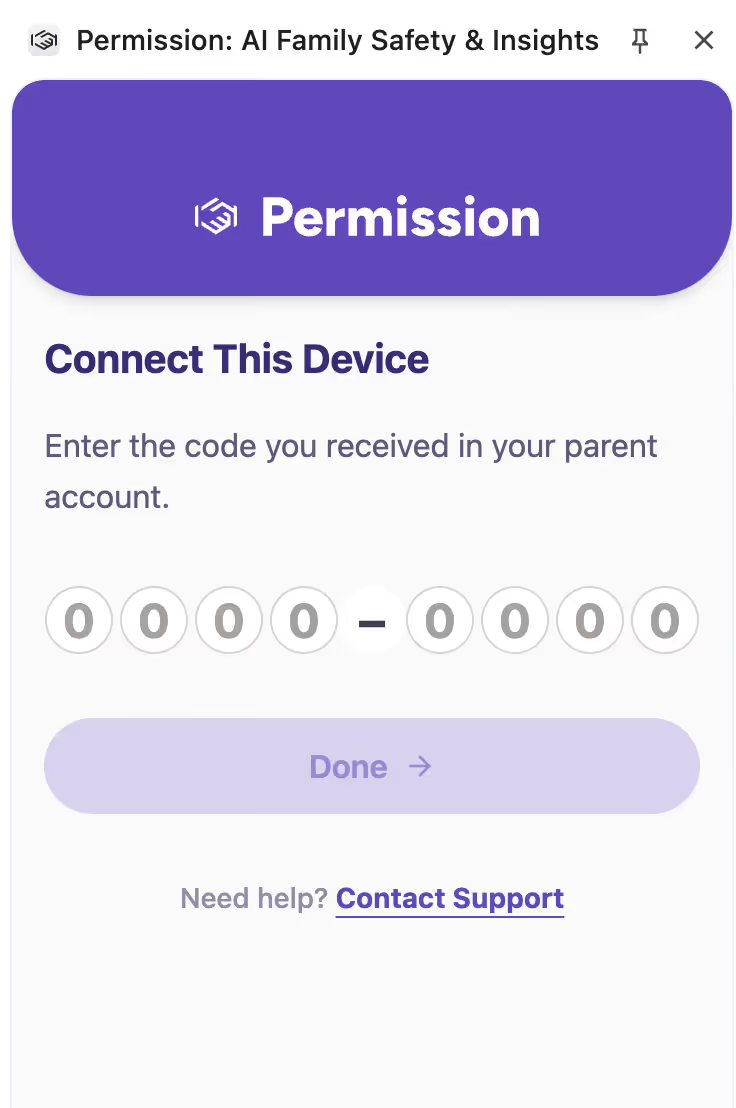
2. Open the extension
- A code is needed to establish the connection. You will find it in your family platform. Go to Step 5.
3. On Your Child's Device (on iOS)
- Click to Download the Permission Browser on your Child's Apple device.

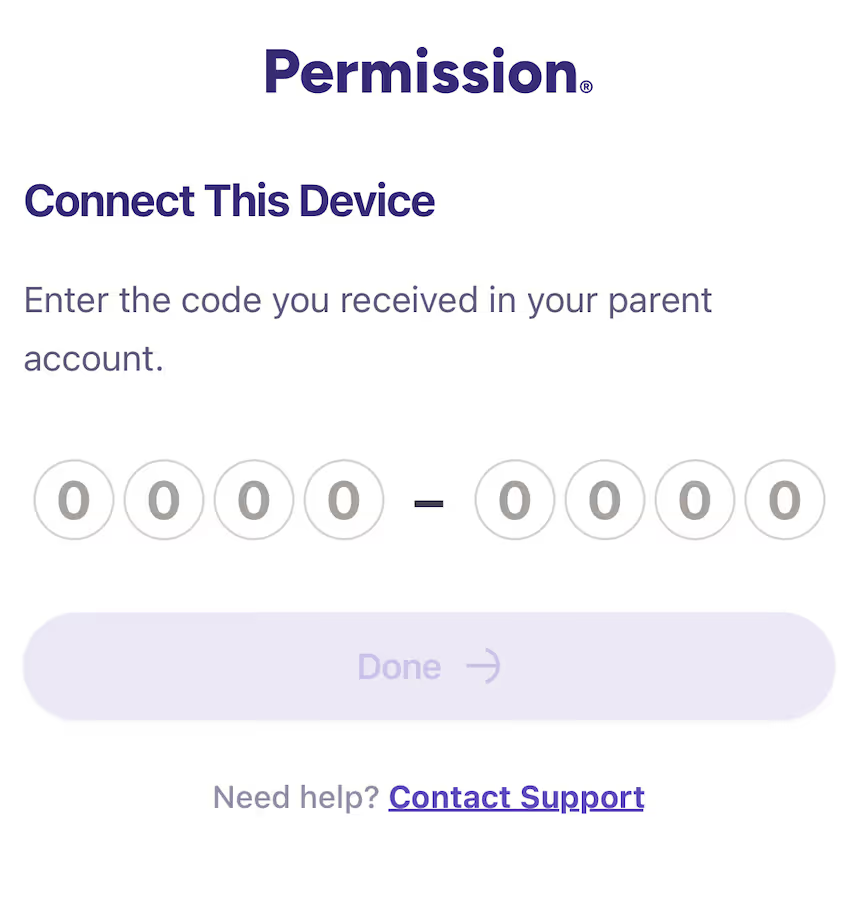
4. Open the browser
- A code is needed to establish the connection. You will find it in your family platform. Go to Step 5.
Part II: On the Parent's device
5. You are ready to perform the connection
- Log into the Permission platform : https://app.permission.ai/login.
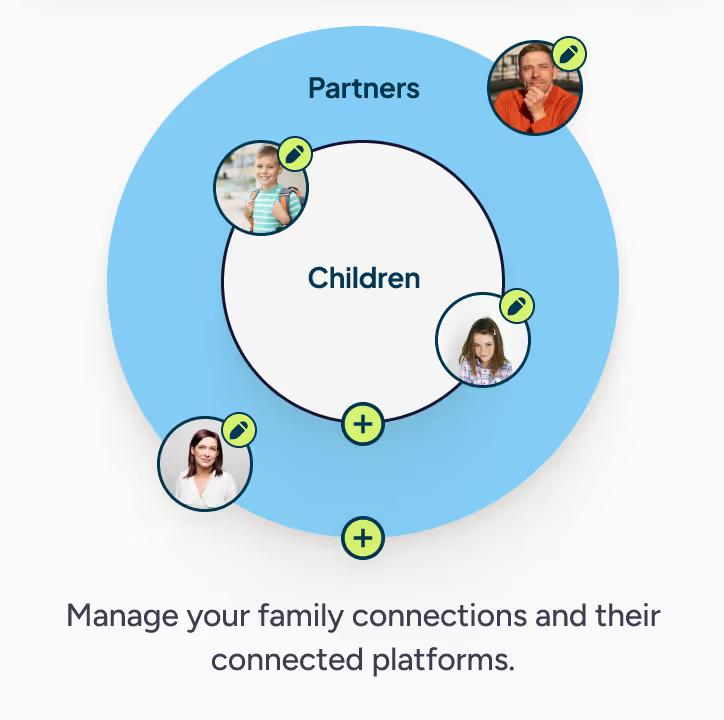
- Open your family profile (left menu → your initials).
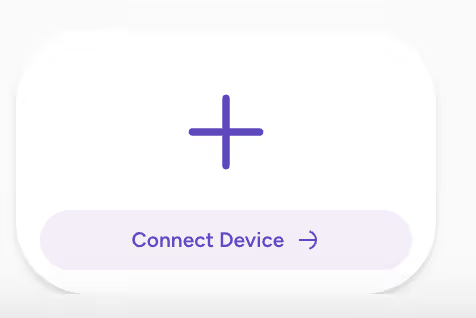
- Select Connect Device.
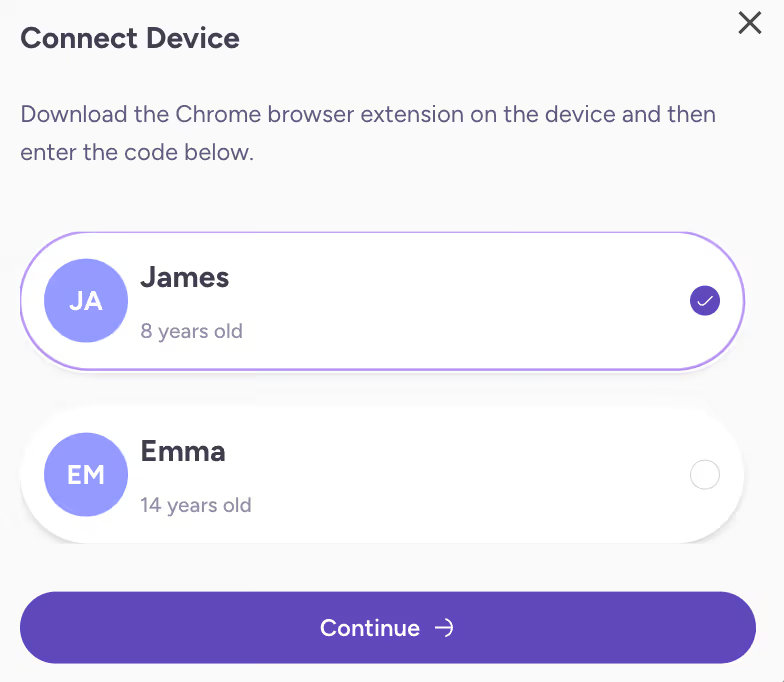
- Choose your child and click Continue.
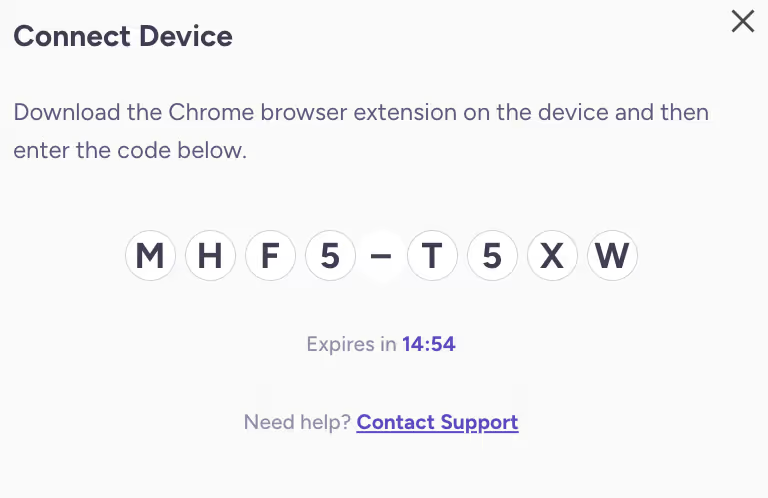
- Here is your code to pair the platfrom with your child's device:
6. Back on Your Child's Device
- Enter the code shown on your platform into the extension window (Chrome) or into the Permission Browser (iOS).
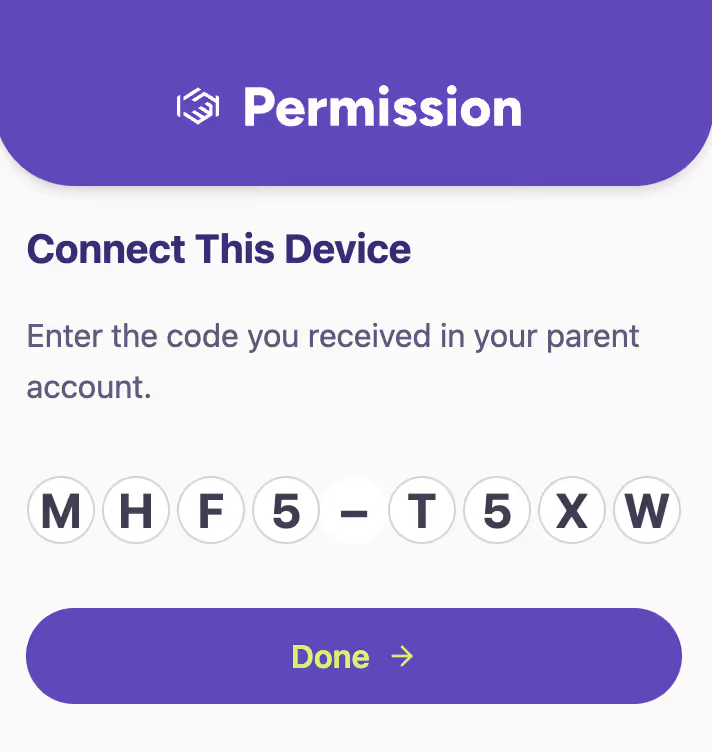
7. On the Parent's Device
- You should see a connected device: