Stay in the loop
Get the latest insights, product updates, and news from Permission — shaping the future of user-owned data and AI innovation.
1. Go to the sign‑up page
- Go to this url app.permission.ai/signup
2. Create your account
- Enter your country, email address and password:
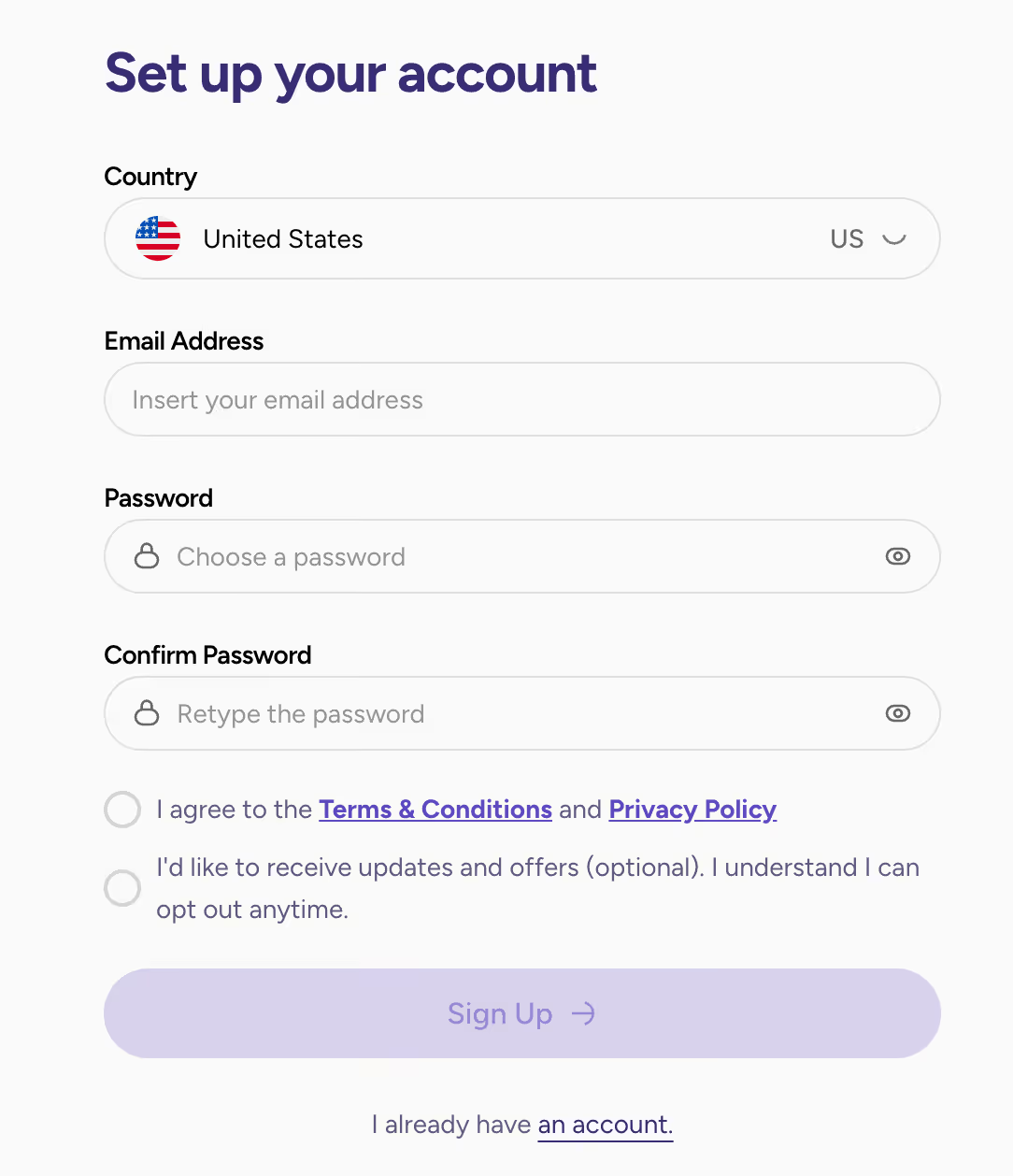
- Select 'Sign Up'.
3. Verify your email
- Verify your email by clicking on the link received by email.
- Select 'Continue'.
4. Build Your Family Profile
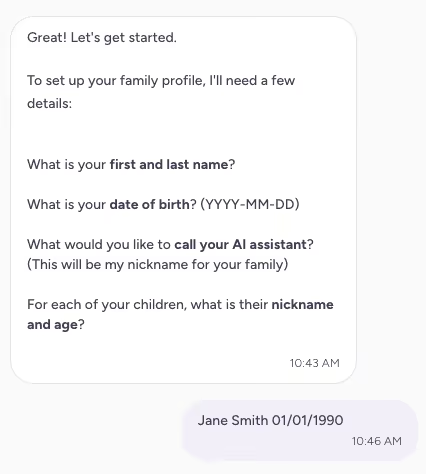
- Reply to a few questions from our Agent to help you create your family profile:

- Then you will be prompted to enter your First Name, Last Name and Date of Birth:
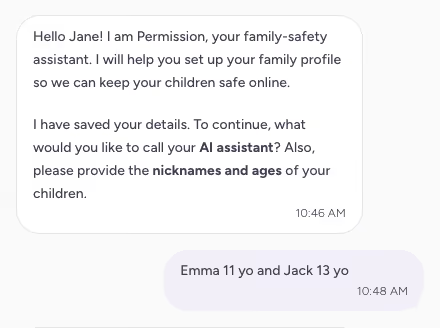
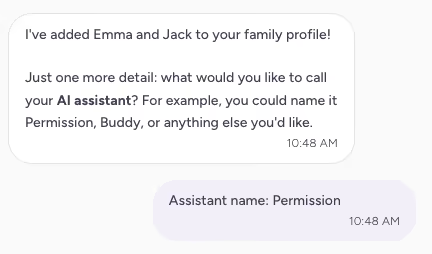
- You can rename the Agent and give your children's names:
- Review your family's profile:
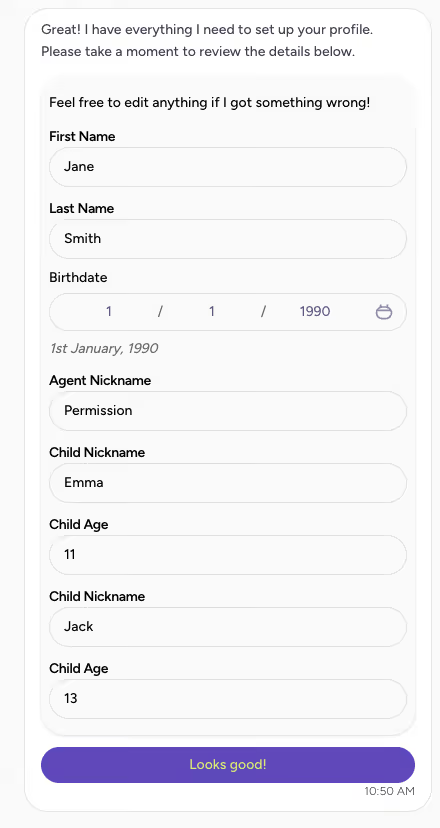
- Select 'Looks good' when your set up is done.
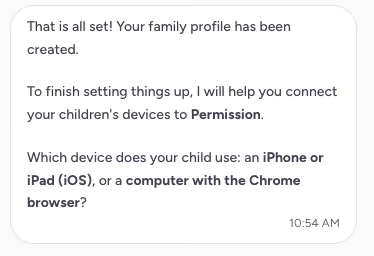
- Select your children device:
5. Explore the parent dashboard
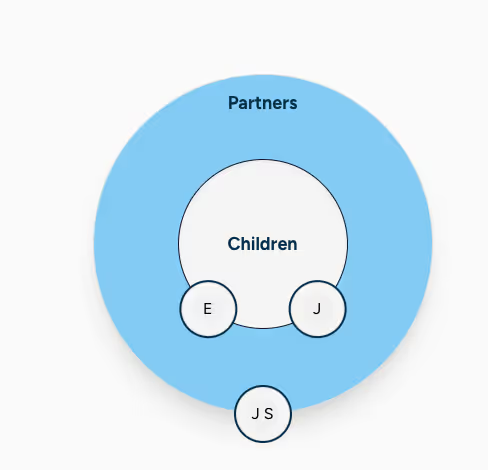
Select 'Go to Connections' to see your family's profile and set up the connections with your children's devices.
If you hit any roadblocks or have questions about the program, reach out to us at support@permission.io.