Get the latest insights, product updates, and news from Permission — shaping the future of user-owned data and AI innovation.
Onboarding
1. Go to the sign‑up page
- Go to this url app.permission.ai/signup
2. Create your account
- Enter your country, email address and password:
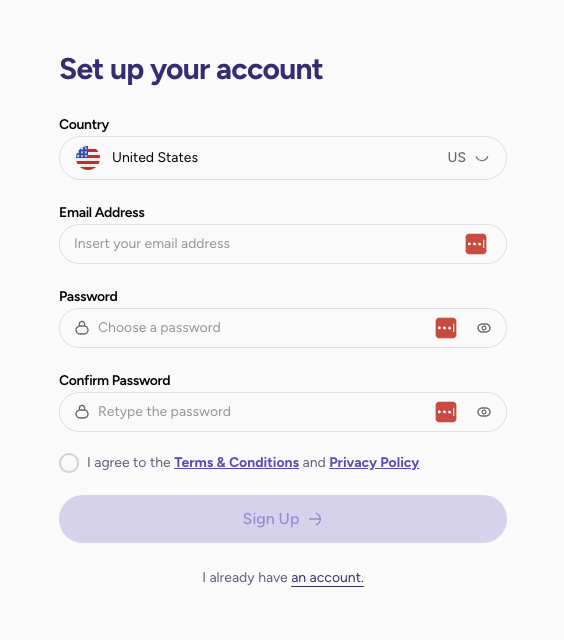
- Select 'Sign Up'.
3. Verify your email
- Verify your email by clicking on the link received by email.
- Select 'Continue'.
4. Build Your Family Profile
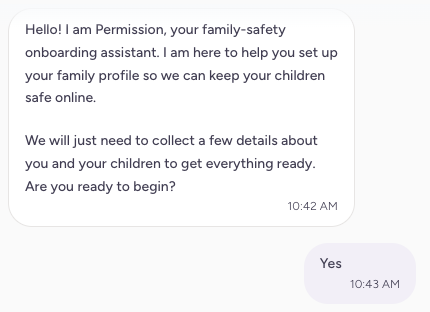
- Reply to a few questions from our Agent to help you create your family profile:
- Then you will be prompted to enter your First Name, Last Name and Date of Birth:
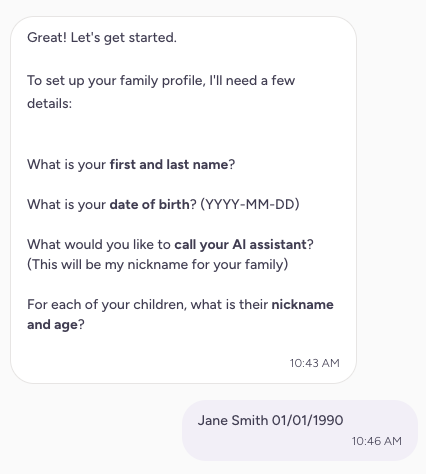
- You can rename the Agent and give your children's names:
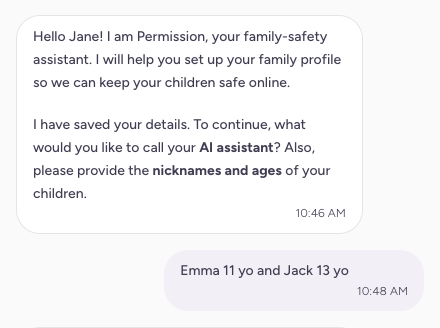
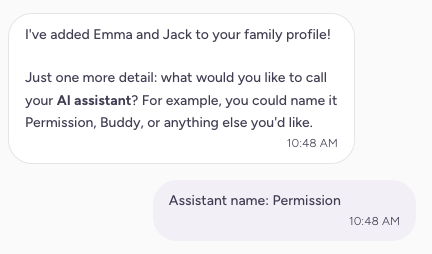
- Review your family's profile:
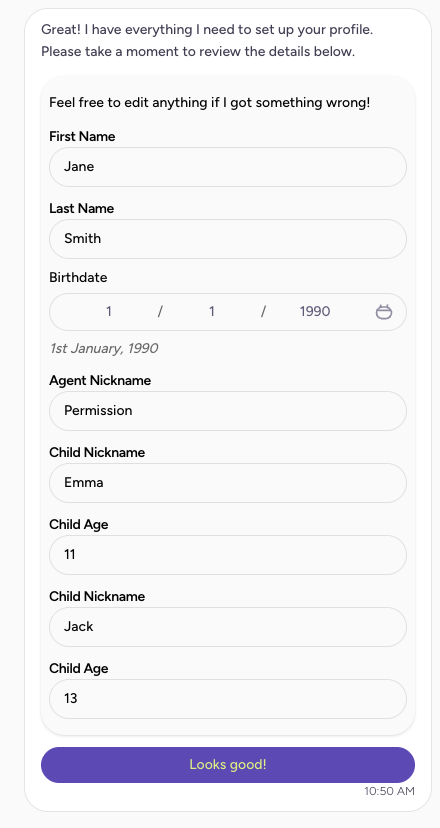
- Select 'Looks good' when your set up is done.
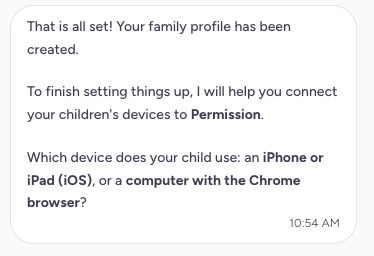
- Select your children device:
5. Explore the parent dashboard
Select 'Go to Connections' to see your family's profile and set up the connections with your children's devices.
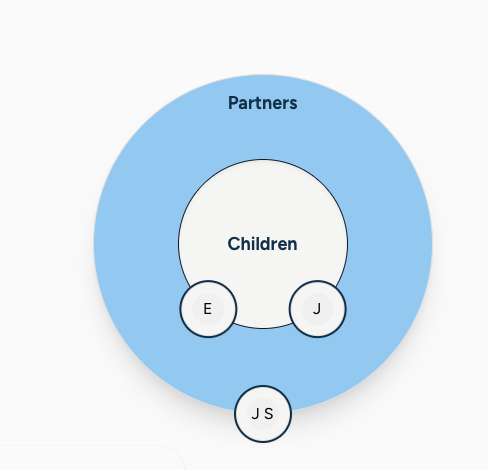
If you hit any roadblocks or have questions about the program, reach out to us at support@permission.io.
Connect Device
Part I: On your Child's device
If your Child's device is on iOS, go to Step 3.
1. If your child uses a Desktop with Chrome
- Click to Download the Permission AI For Families Chrome extension:
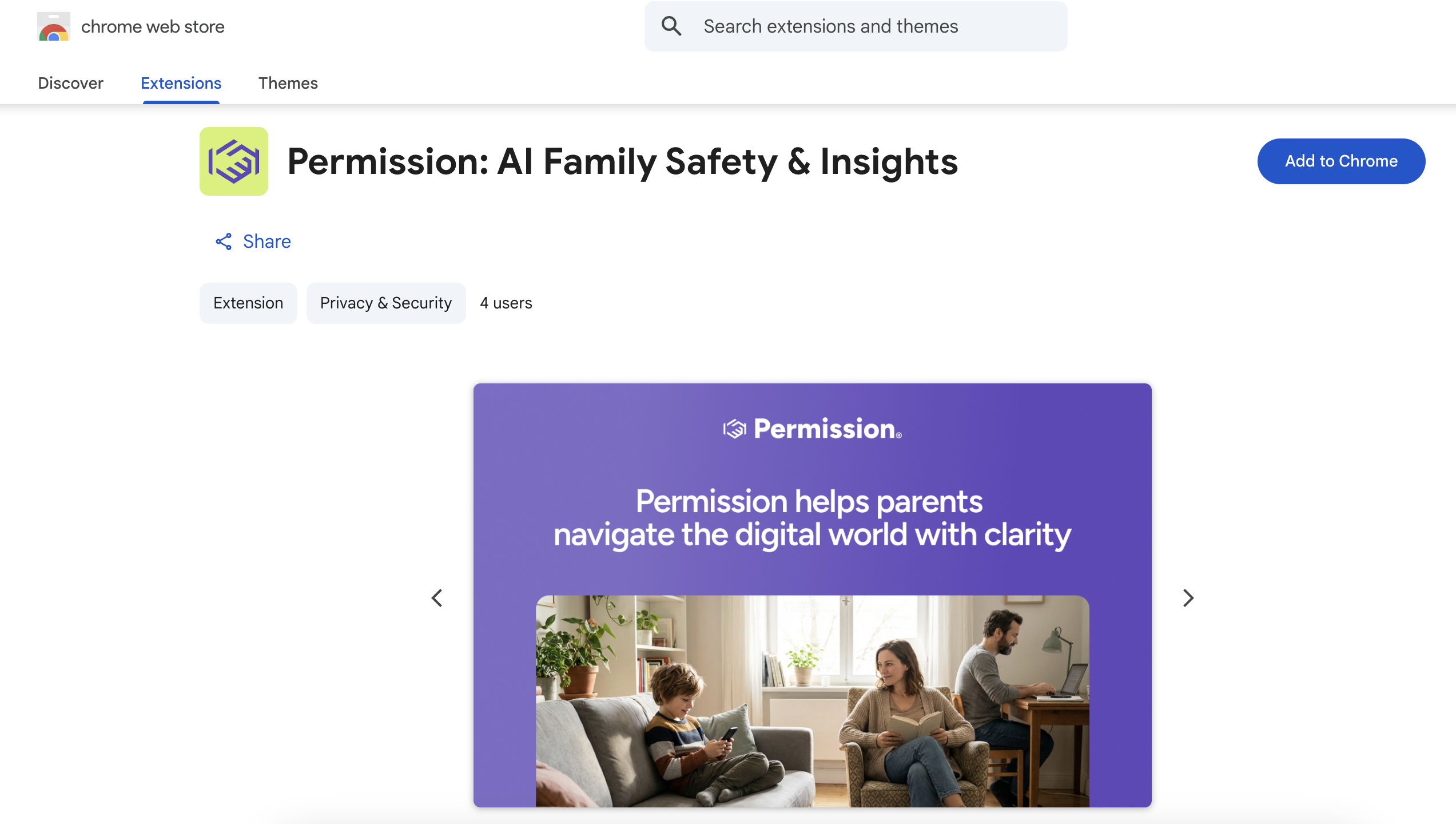
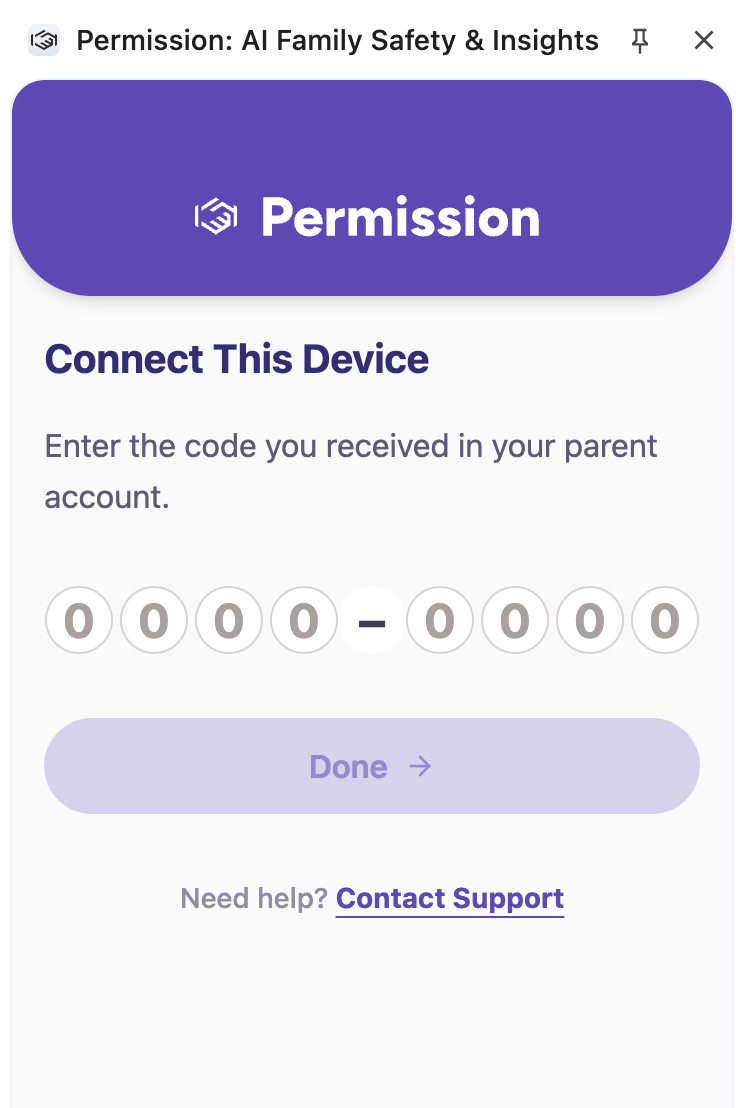
2. Open the extension
- A code is needed to establish the connection. You will find it in your family platform. Go to Step 5.
3. On Your Child's Device (on iOS)
- Click to Download the Permission Browser on your Child's Apple device.
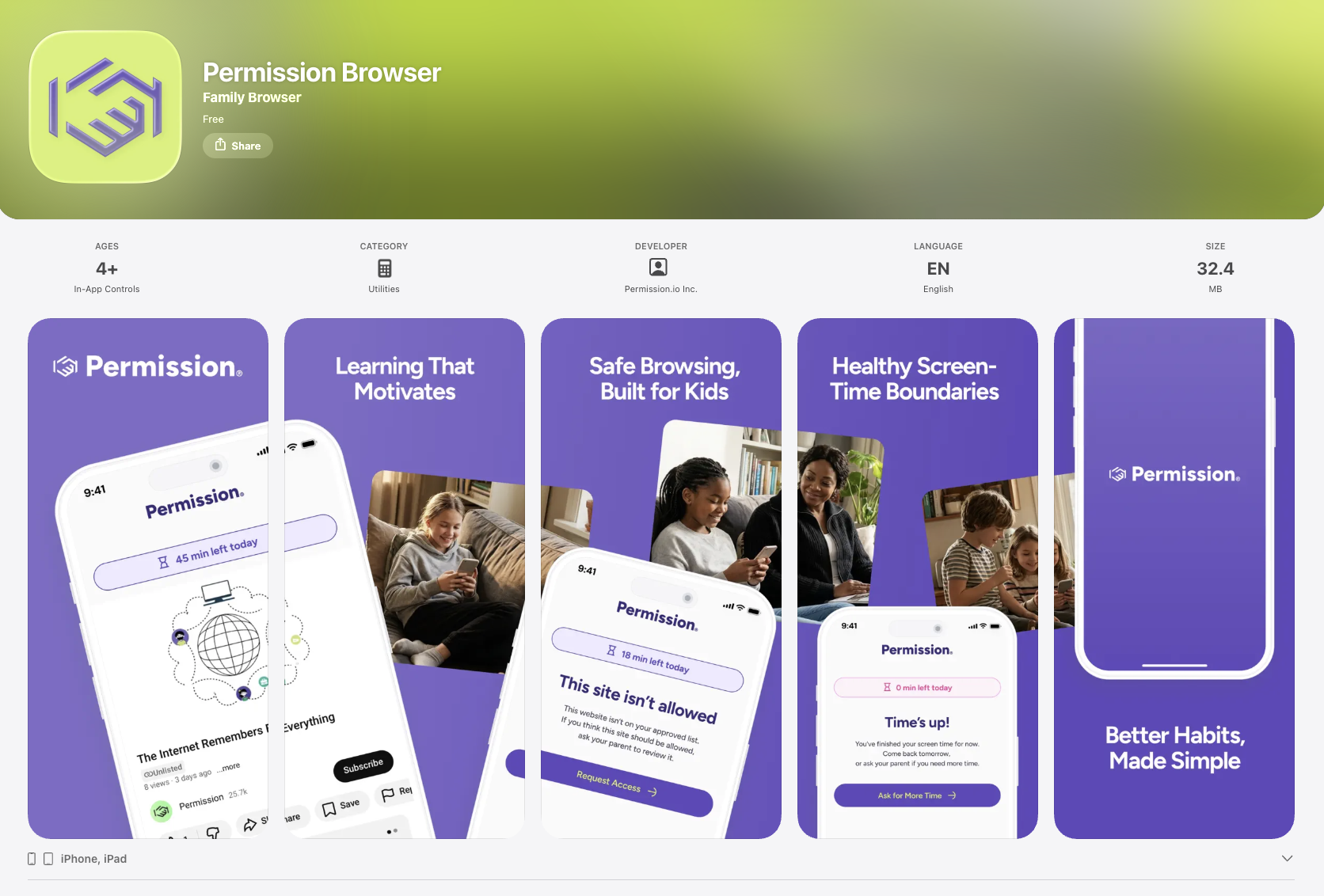
4. Open the browser
- A code is needed to establish the connection. You will find it in your family platform. Go to Step 5.
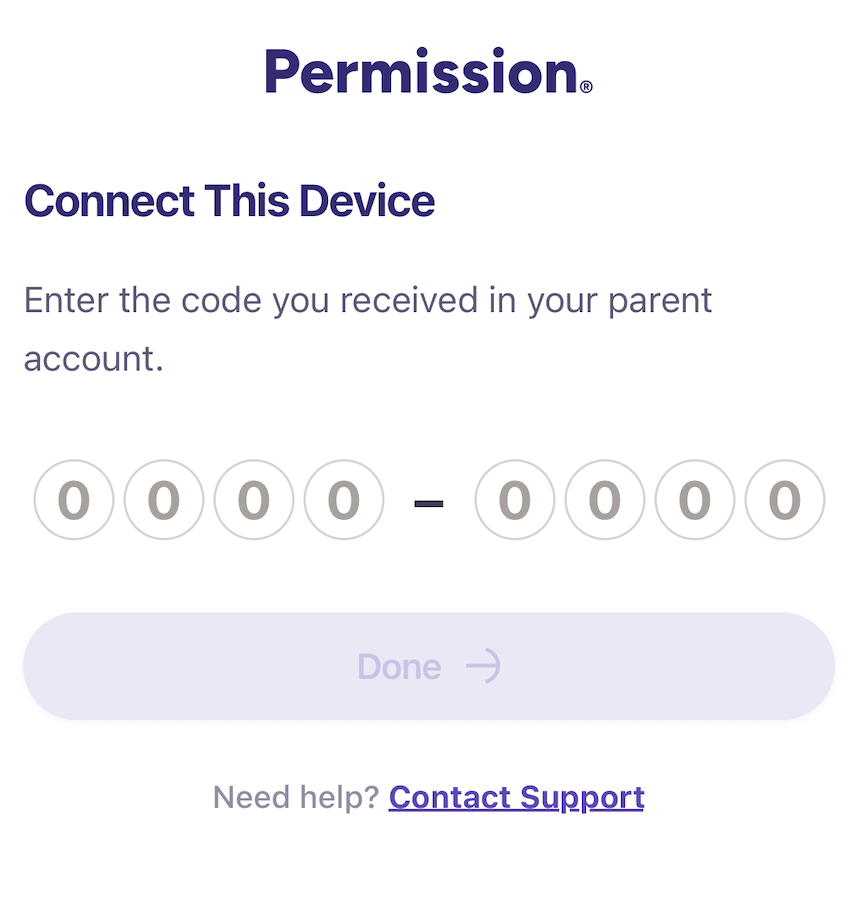
Part II: On the Parent's device
5. You are ready to perform the connection
- Log into the Permission platform : https://app.permission.ai/login.
- Open your family profile (left menu → your initials).
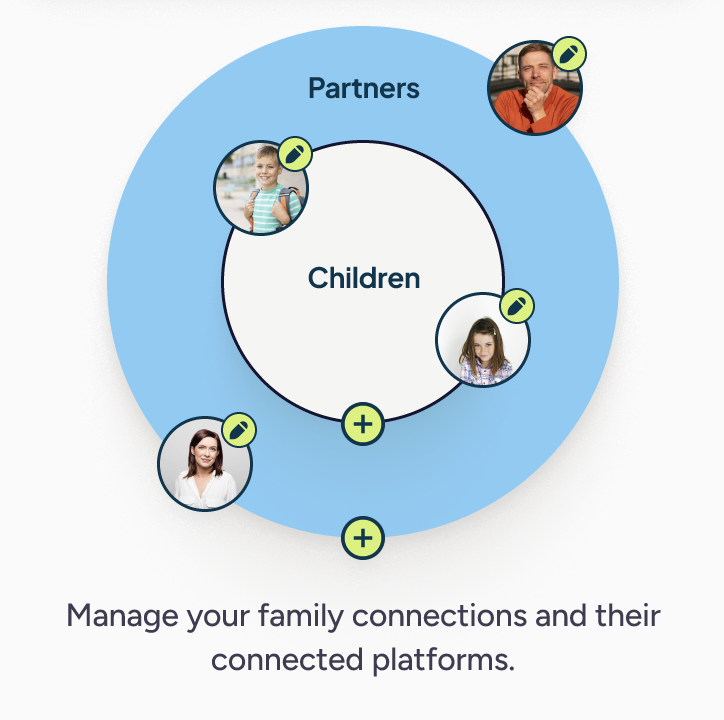
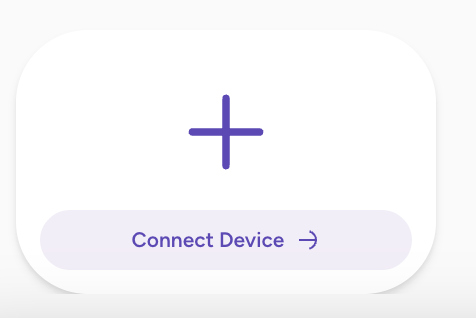
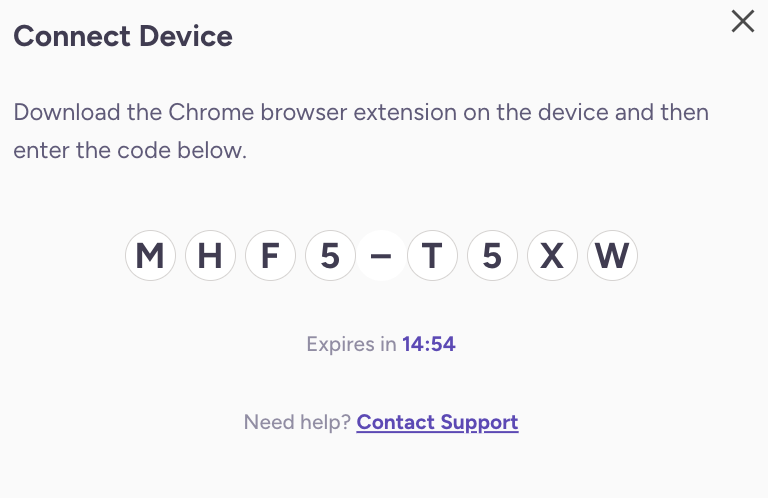
- Select Connect Device.
- Choose your child and click Continue.
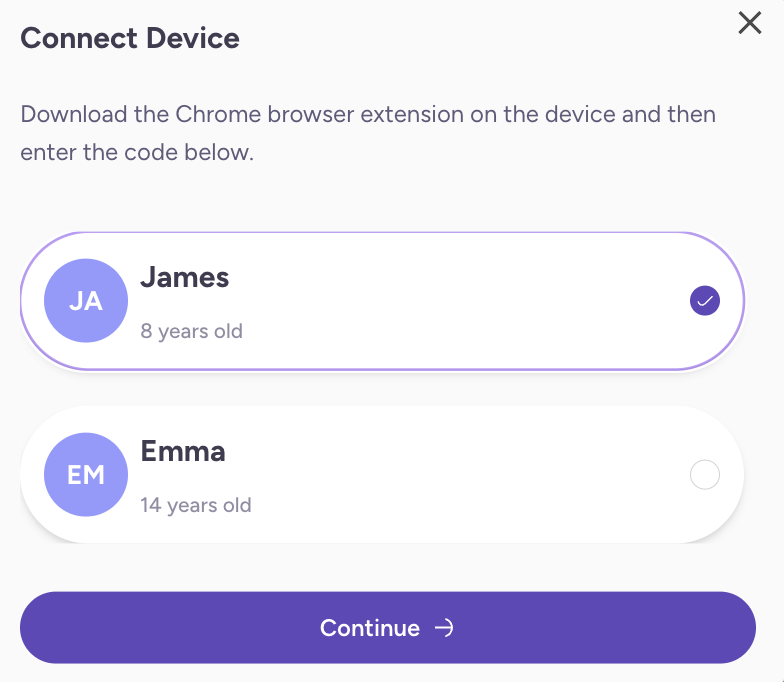
- Here is your code to pair the platfrom with your child's device:
6. Back on Your Child's Device
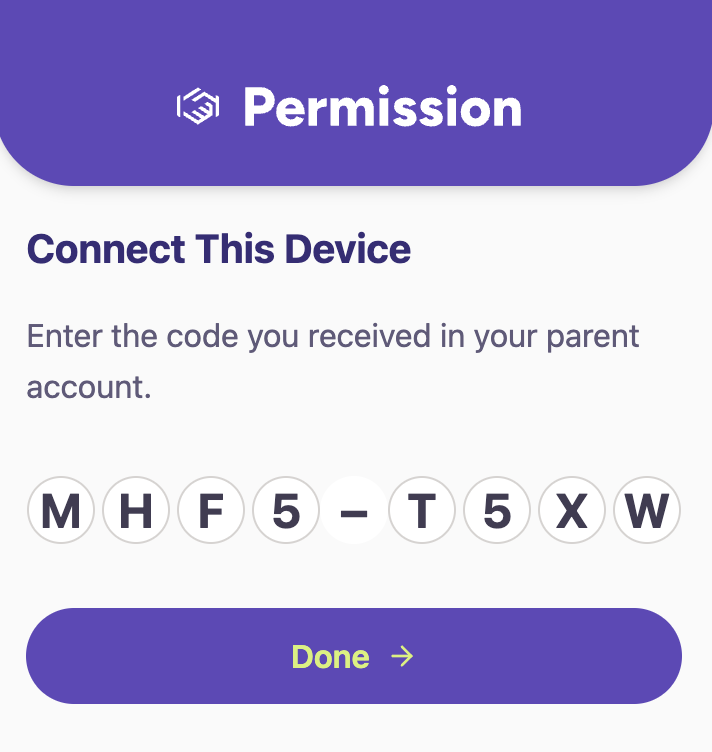
- Enter the code shown on your platform into the extension window (Chrome) or into the Permission Browser (iOS).
7. On the Parent's Device
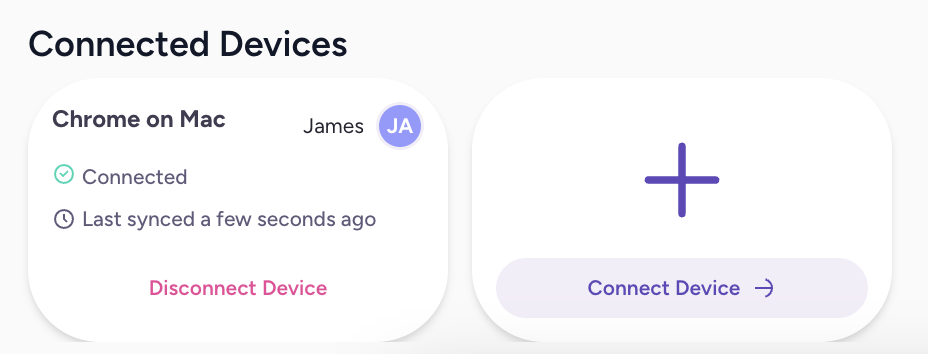
- You should see a connected device: